mirror of
https://github.com/GiriNeko/YesPlayMusic.git
synced 2025-12-16 13:17:46 +00:00
高颜值的第三方网易云播放器,支持 Windows / macOS / Linux :electron:
https://music.qier222.com
 6fa6155817
1. Increase the timeout time to prevent blocking the rendering process 2. Use the modification package to solve the problem that song information may not be available and repeatedly requested. |
||
|---|---|---|
| build/icons | ||
| images | ||
| netease_api | ||
| public | ||
| script | ||
| src | ||
| .editorconfig | ||
| .env.example | ||
| .gitignore | ||
| .npmrc | ||
| .prettierignore | ||
| .prettierrc | ||
| babel.config.js | ||
| jsconfig.json | ||
| LICENSE | ||
| package.json | ||
| README.md | ||
| vue.config.js | ||
| yarn.lock | ||

YesPlayMusic
高颜值的第三方网易云播放器
🌎 访问DEMO |
📦️ 下载安装包
✨ 特性
- ✅ 使用 Vue.js 全家桶开发
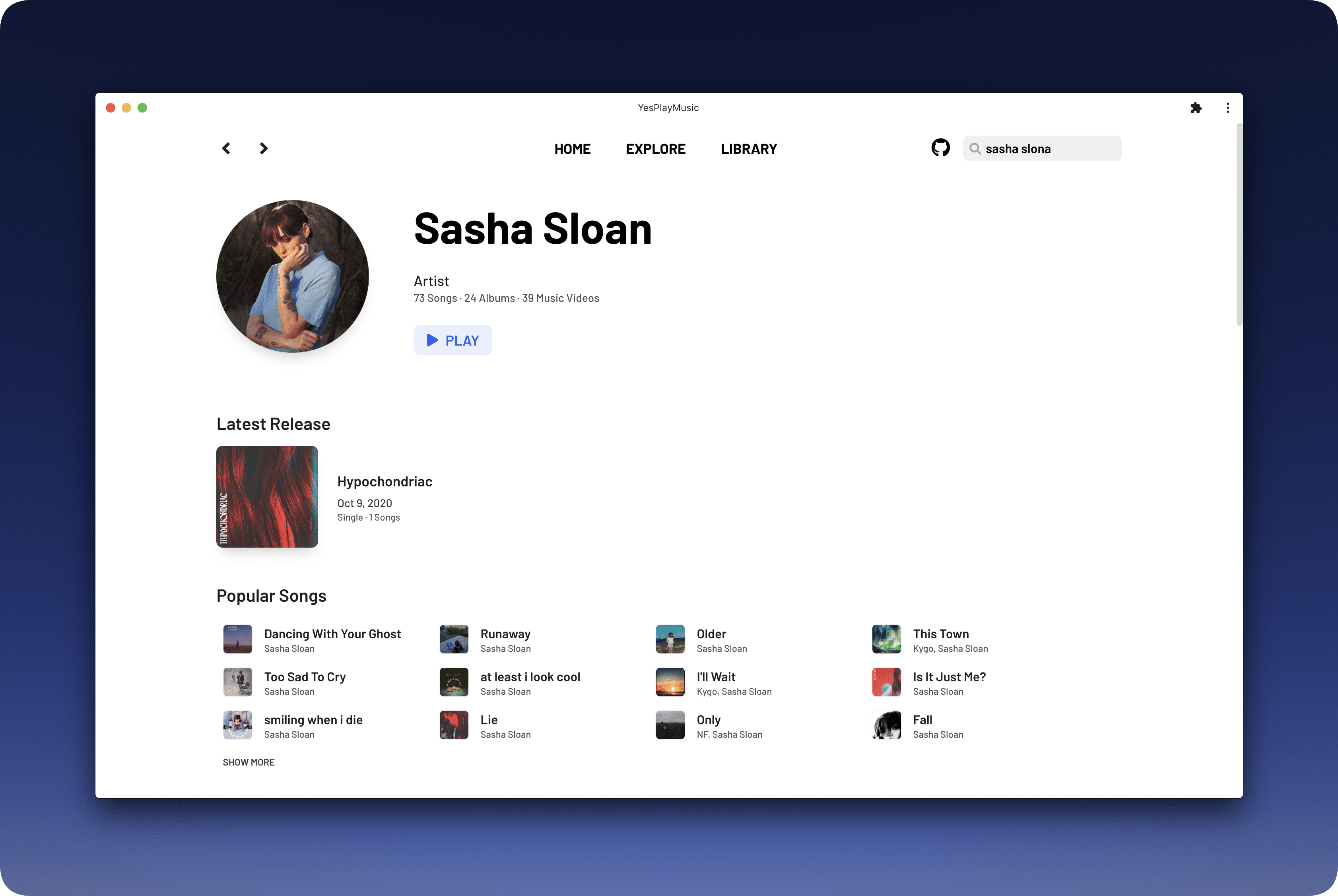
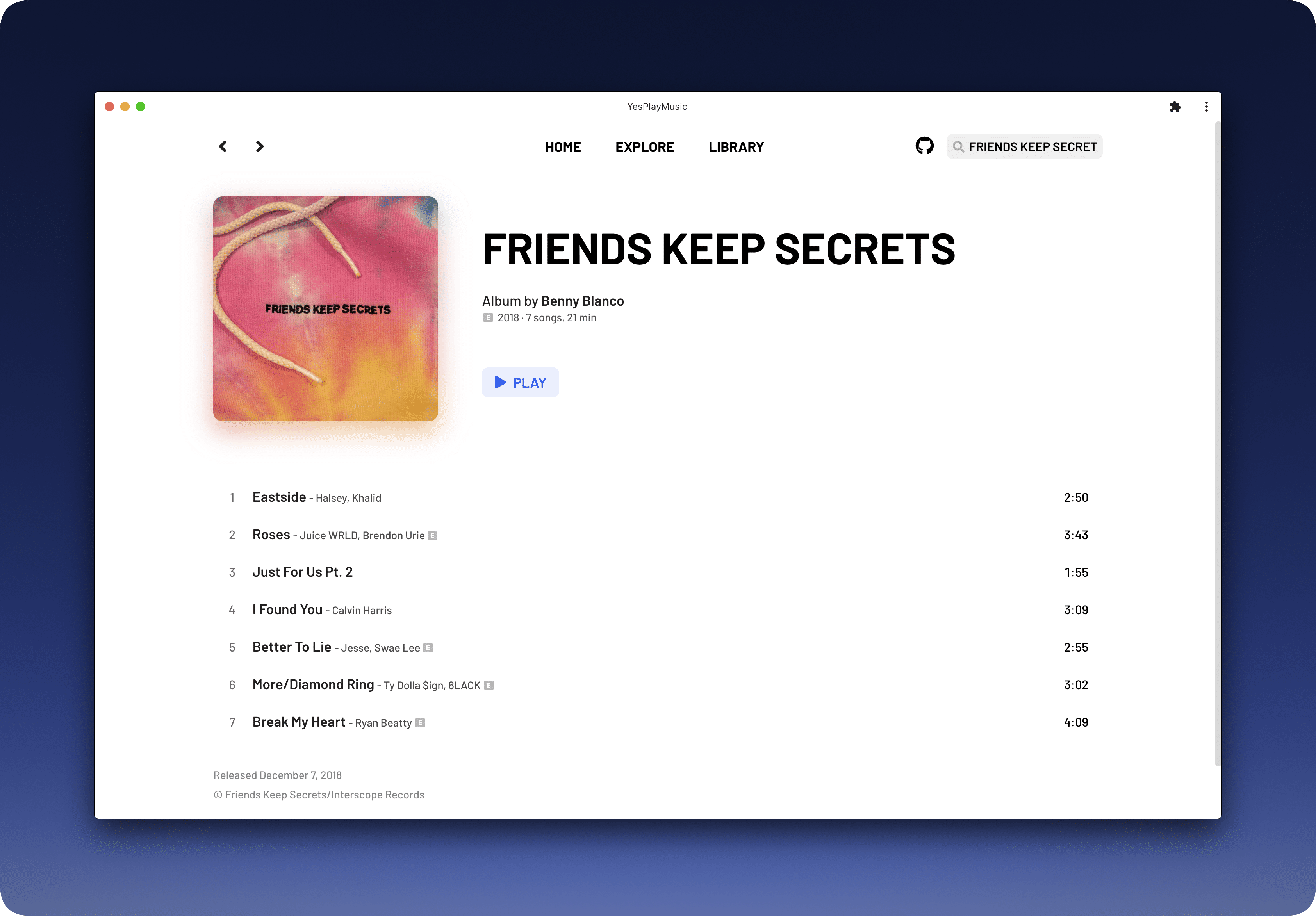
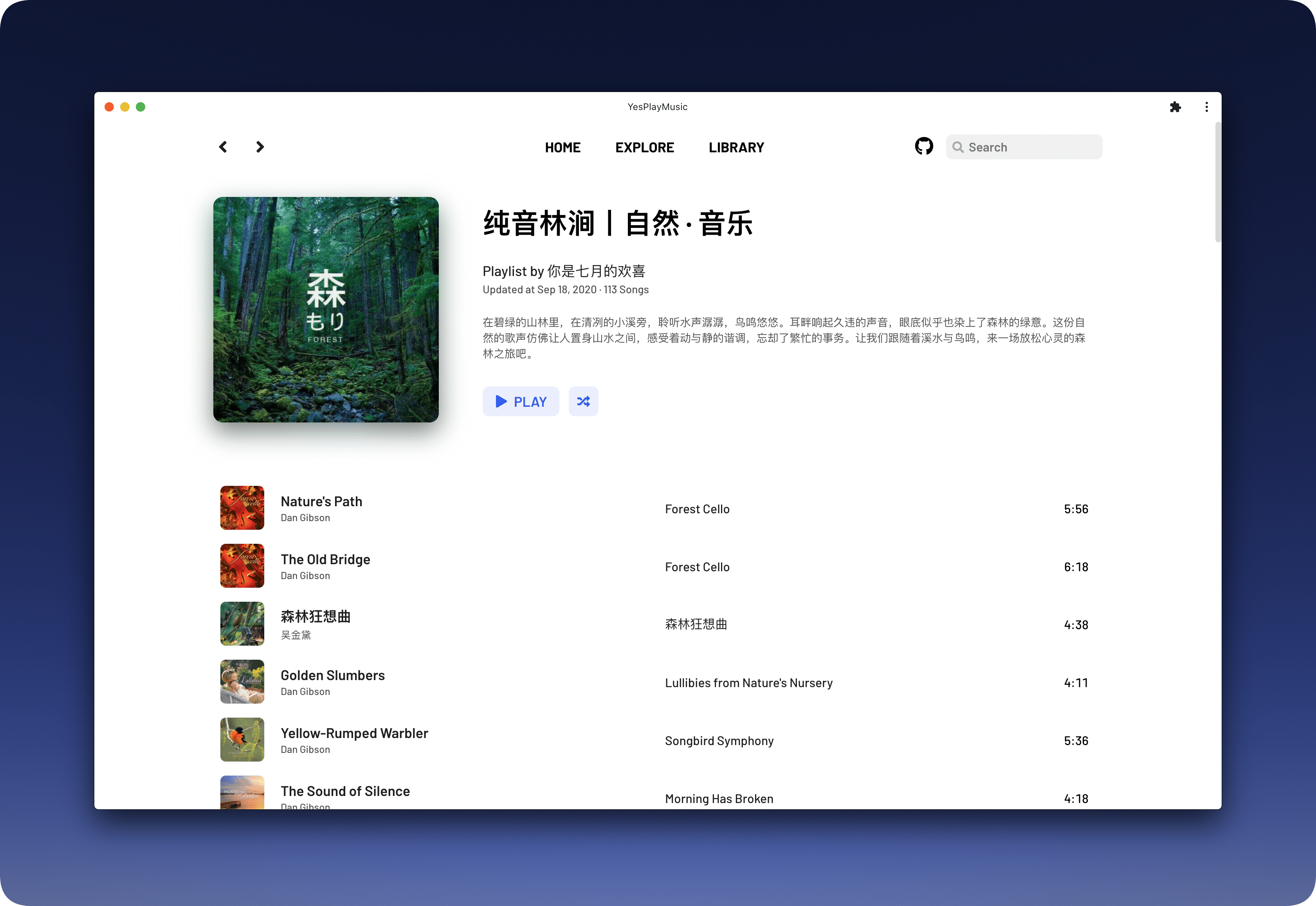
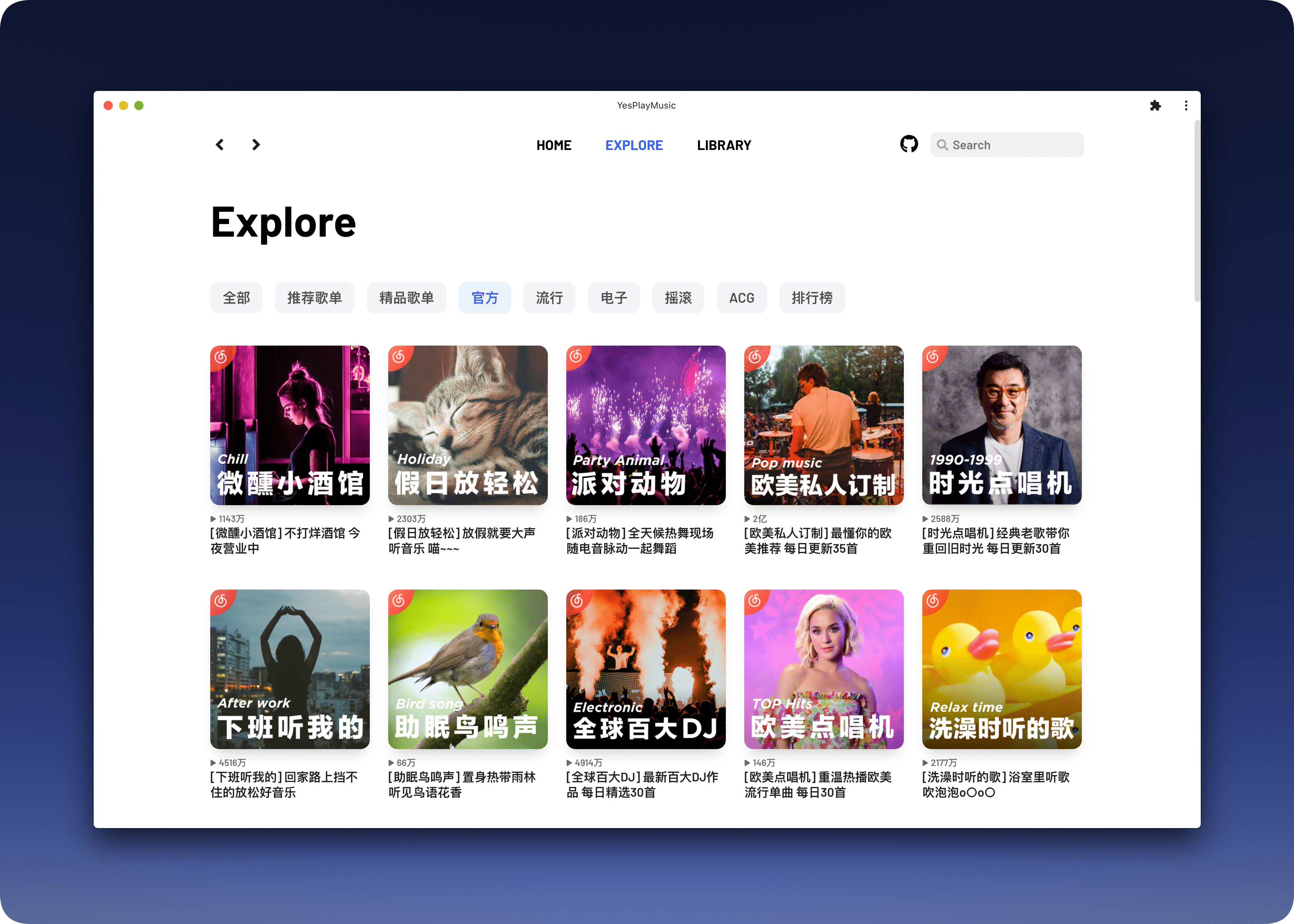
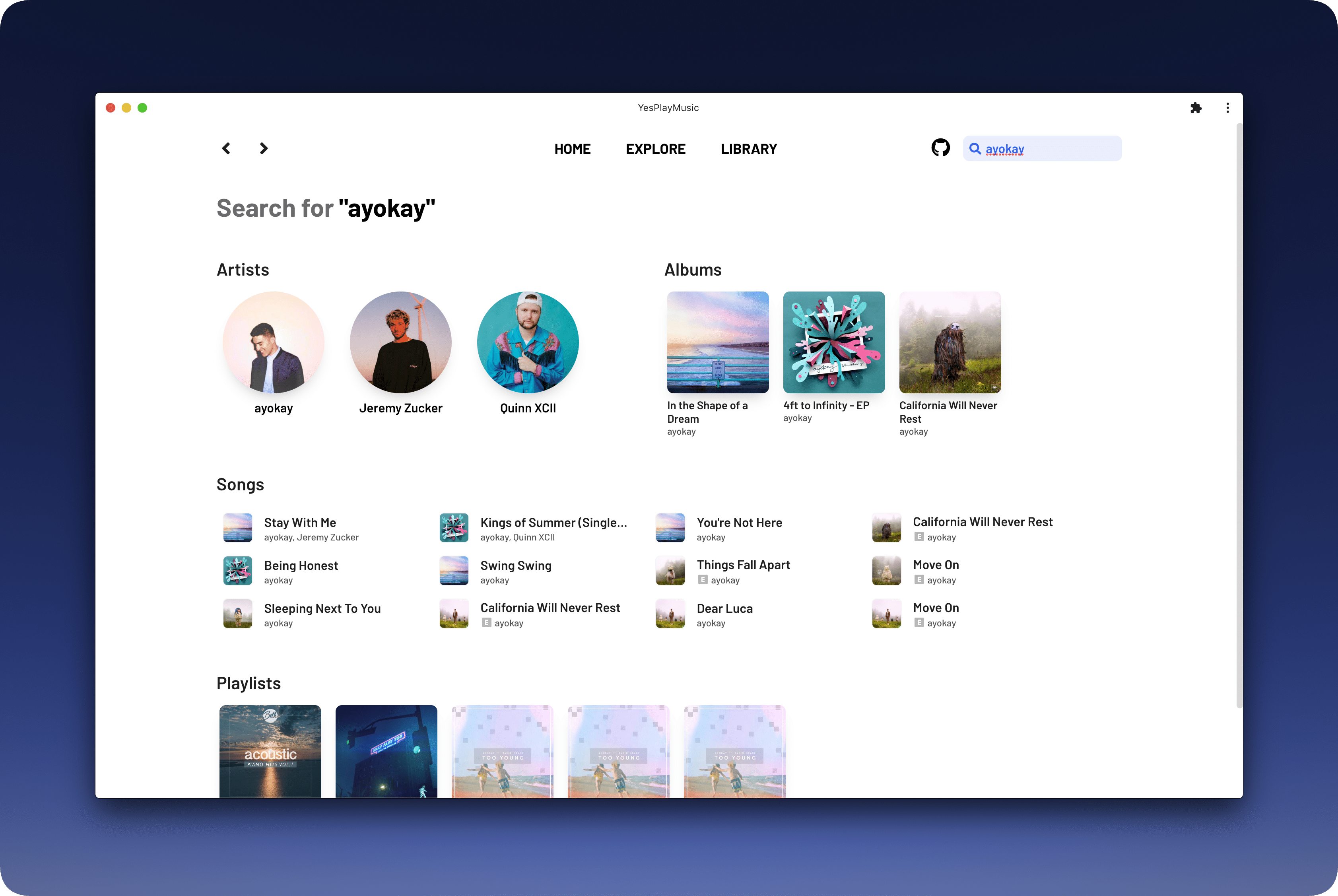
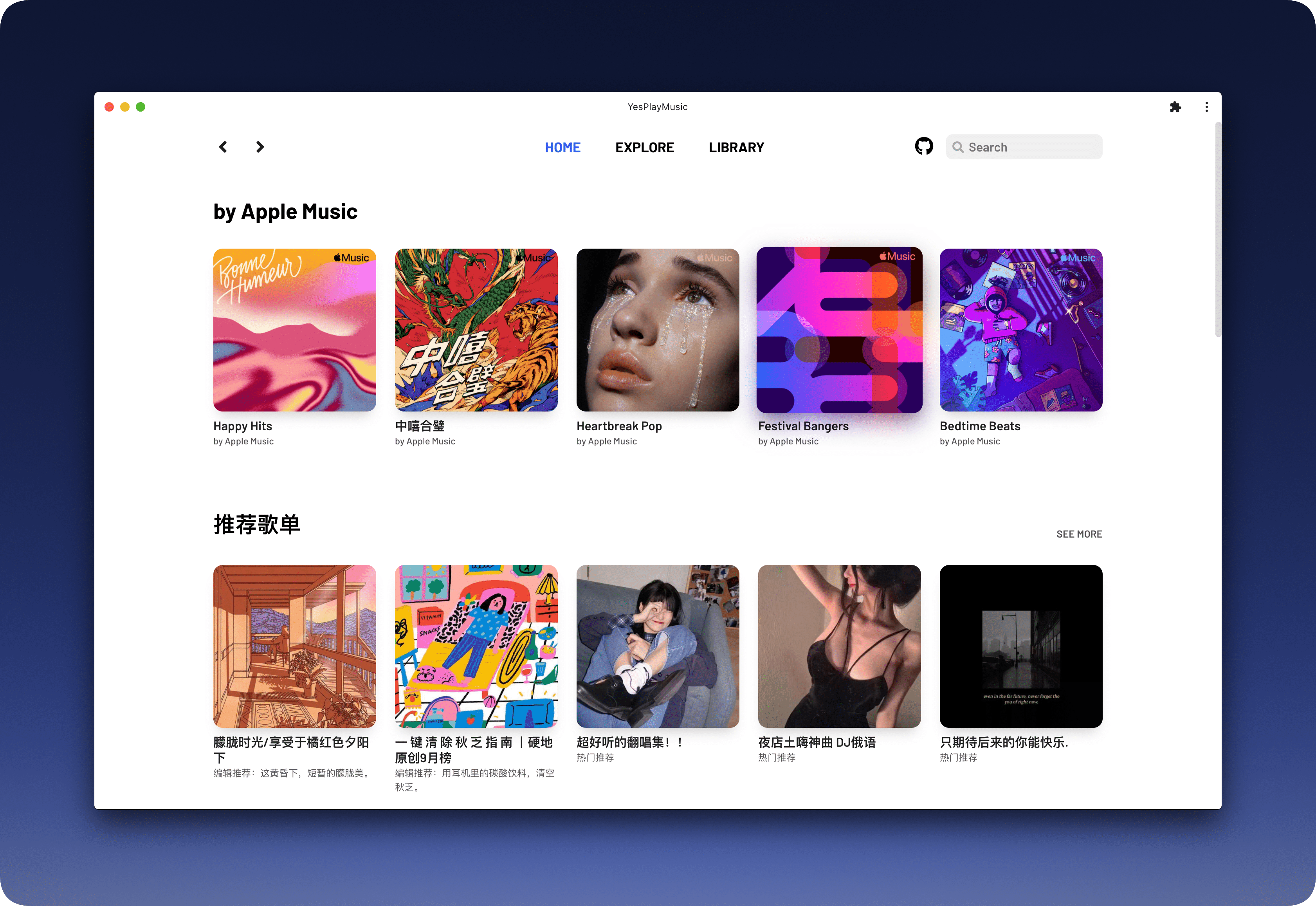
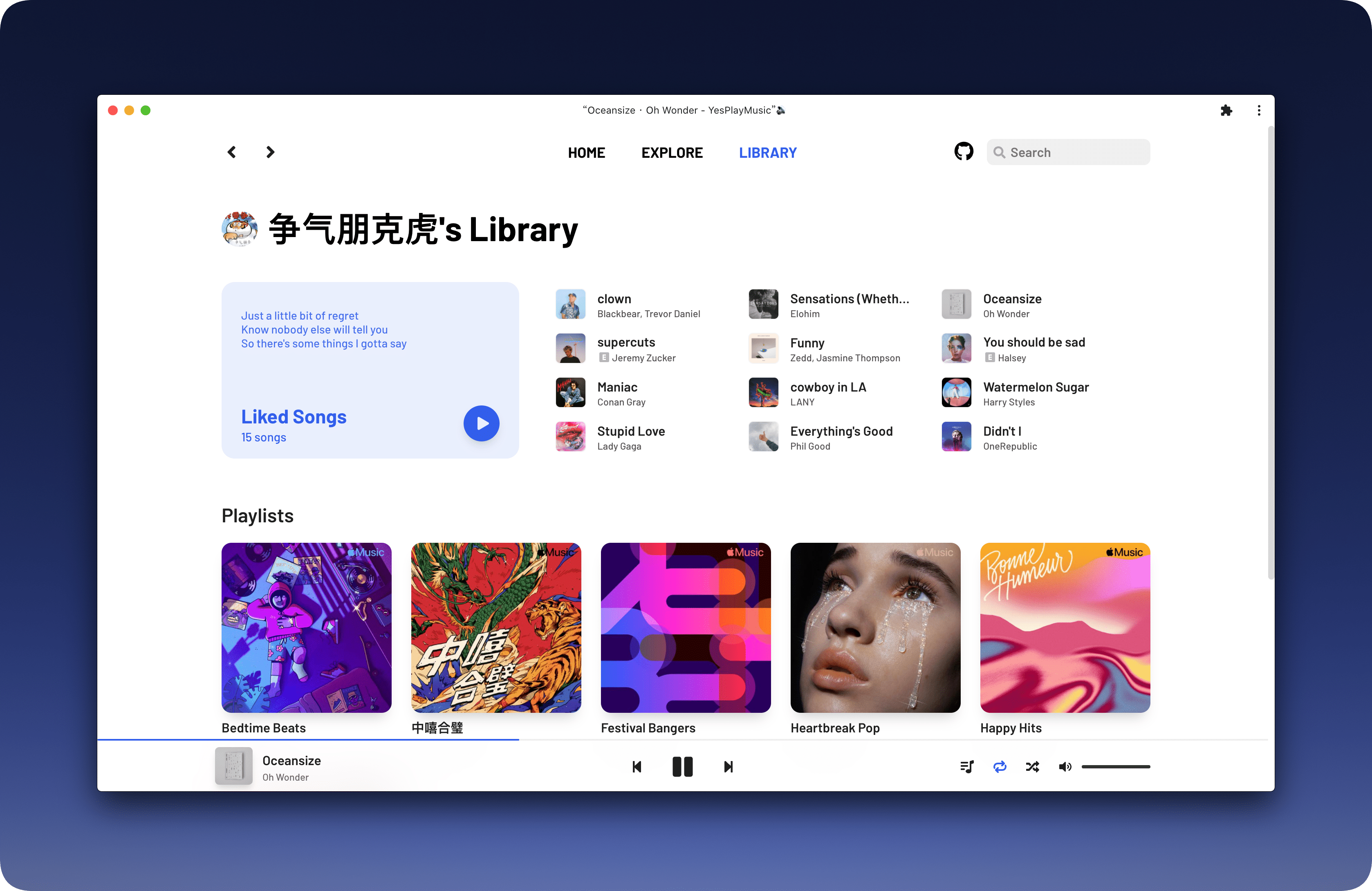
- ⭐ 简洁美观的 UI
- 🔴 网易云账号登录
- ⏭️ 支持 MediaSession API,可以使用系统快捷键操作上一首下一首
- 😾 不能播放的歌曲会显示为灰色
- 🖥️ 支持 PWA,可在 Chrome/Edge 里点击地址栏右边的 ➕ 安装到电脑
- 🙉 支持显示歌曲和专辑的 Explicit 标志
- 📺 MV 播放
- ✔️ 每日自动签到(手机端和电脑端同时签到)
- 🌚 Light/Dark Mode 自动切换
- 🚫🤝 无任何社交功能
- 🌎️ 海外用户可直接播放(需要登录网易云账号)
- 🛠 更多特性开发中
📦️ 安装
Electron 版本由 @hawtim 和 @qier222 适配并维护,支持 macOS、Windows、Linux。
访问本项目的 Releases 页面下载安装包,或者访问 镜像下载站 (大陆访问更快) 下载。
⚙️ 部署至服务器
除了下载安装包使用,你还可以将本项目部署到你的服务器上。
- 部署网易云 API,详情参见 Binaryify/NeteaseCloudMusicApi
- 克隆本仓库
git clone https://github.com/qier222/YesPlayMusic.git
- 安装依赖
yarn install
- 复制
/.env.example文件为/.env,修改里面VUE_APP_NETEASE_API_URL的值为网易云 API 地址。本地开发的话可以填写 API 地址为http://localhost:3000,YesPlayMusic 地址为http://localhost:8080
VUE_APP_NETEASE_API_URL=http://localhost:3000
- 编译打包
yarn run build
- 将
/dist目录下的文件上传到你的 Web 服务器
☑️ Todo
查看 Todo 请访问本项目的 Projects
欢迎提 Issue 和 Pull request。
📜 开源许可
基于 MIT license 许可进行开源。
🖼️ 截图